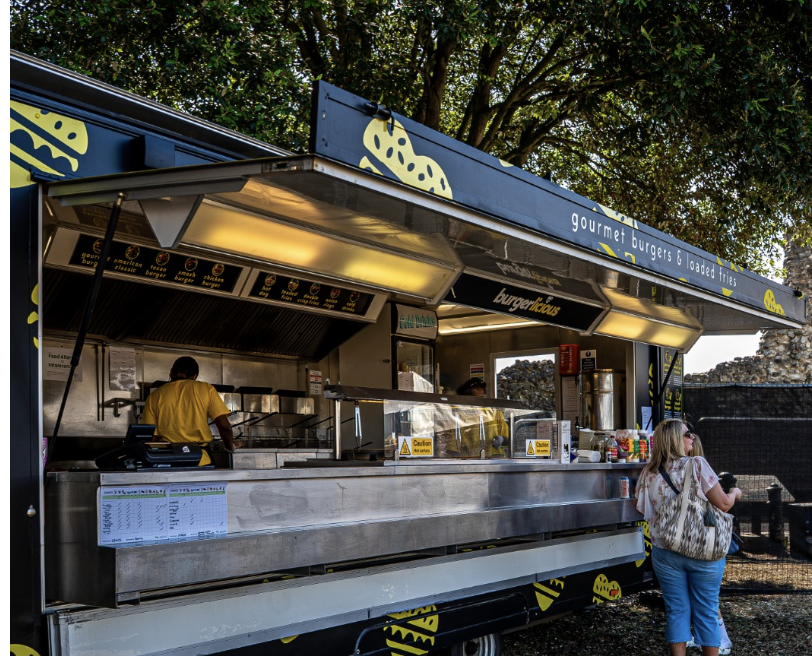
Halo gallery · Burgerlicious
Show the whole unit.
A clear frontage photo helps the team see your branding, serving point and finished presentation. Add photos to the actual unit you want to bring.
For food, drink & retail traders
Give your business a proper introduction. Show us your food, your unit and the people behind it, then choose the Halo events that suit you.
Free to register and apply. No subscription fee. Existing traders: use your current account to keep your units and history together.
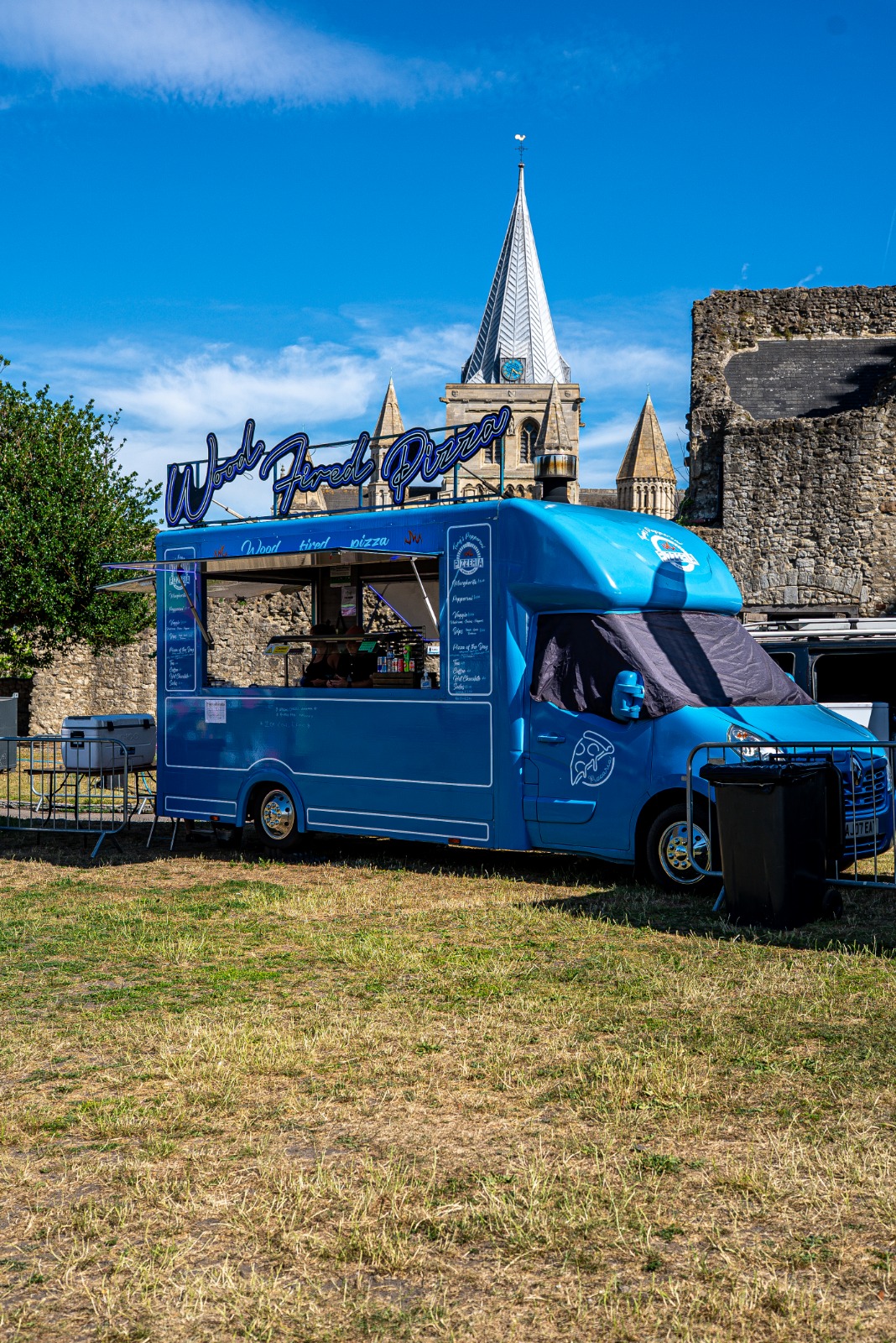
Make your application stand out
Halo gallery · Burgerlicious
A clear frontage photo helps the team see your branding, serving point and finished presentation. Add photos to the actual unit you want to bring.
Add your current menu, prices and dietary options. Keep it matched to the unit so the team can compare food types and build a balanced event line-up.
List your full footprint, service capacity and power needs. Include the towbar, menu boards, support vehicles and any extra back-of-house space.
One business. Each unit. Each event.
Your company details stay together. Photos, menus and setup belong to each physical unit; applications and decisions belong to each event.
Keep your contact information and company details up to date. Sign in to your existing record instead of creating another account.
Add or edit units, menus, photos and documents from your portal. Tell us about extra equipment and power, not just the main trailer.
Choose an event and the units you want considered. Dates remain separate, and not every unit you apply with will necessarily receive an offer.
What happens after you apply
An application starts a review, not a booking. You see the selected units, pitches, fees and terms before you commit.
The team reviews the event fit, food category, menu and presentation of the units you applied with. A shortlist does not create a bill.
Check the exact successful units and pitches, itemised fees and event terms. An offer for one unit does not approve the rest.
An authorised person accepts the versioned offer. If the units or charges are wrong, ask Halo to correct the offer before signing.
After signature, an authorised Halo admin creates the matching payment request. Signing does not automatically take a payment.
Open the payment request from your portal and check the amount. Complete the checkout and return to see your payment status.
Payment, current human-approved compliance, photo, menu and available capacity must be checked before the stall is confirmed.
Event fees and conditions vary. Read the current event information and your exact offer before signing. Applying, shortlisting or paying alone is not stall confirmation.
Good to know
Start with your business and units. Your portal keeps the detail in the right place as your application progresses.
Find an event, check the details and apply from your trader account.